RMS, not zero-crossing.
Energy-based detection that ignores quiet musical passages.
Remove leading and trailing silence from MP3, FLAC, WAV, AIFF, AAC, ALAC and Ogg Vorbis. Local, batched, no re-encode.
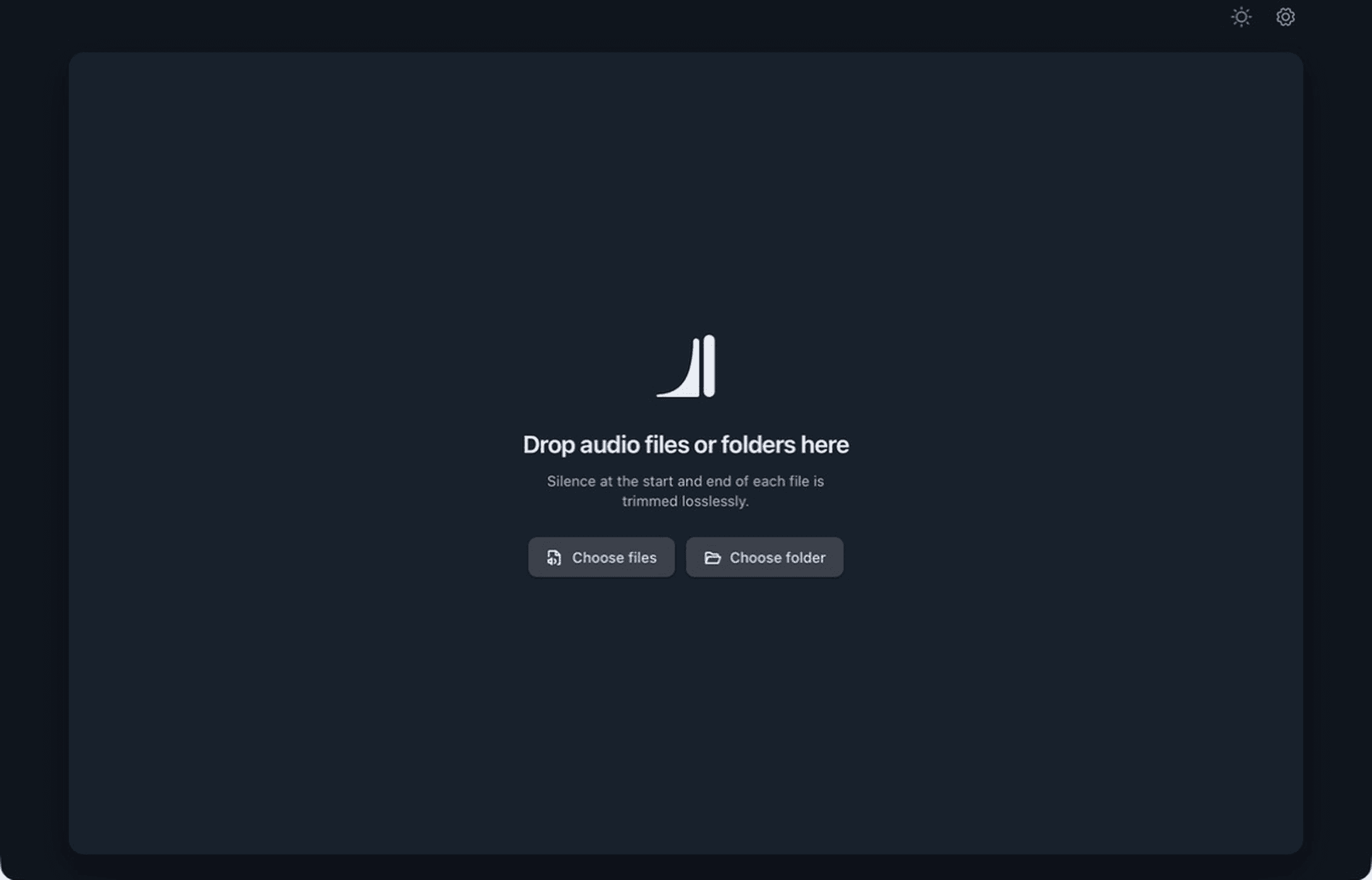
Not a converter, not a generic editor. MultiTrim does one job: find the dead air at the head and tail of every track, then trim it cleanly.
Energy-based detection that ignores quiet musical passages.
Whole-frame cuts. No re-encode on the trim path.
Multi-core parallel queue.
Drag the markers yourself.
MP3, FLAC, WAV/RF64, AIFF/AIFC, AAC, ALAC in M4A, Ogg Vorbis
Add once, keep an eye on the cuts, and leave with every file handled.
Mixed formats stay together while every proposed silence cut remains visible before you commit.
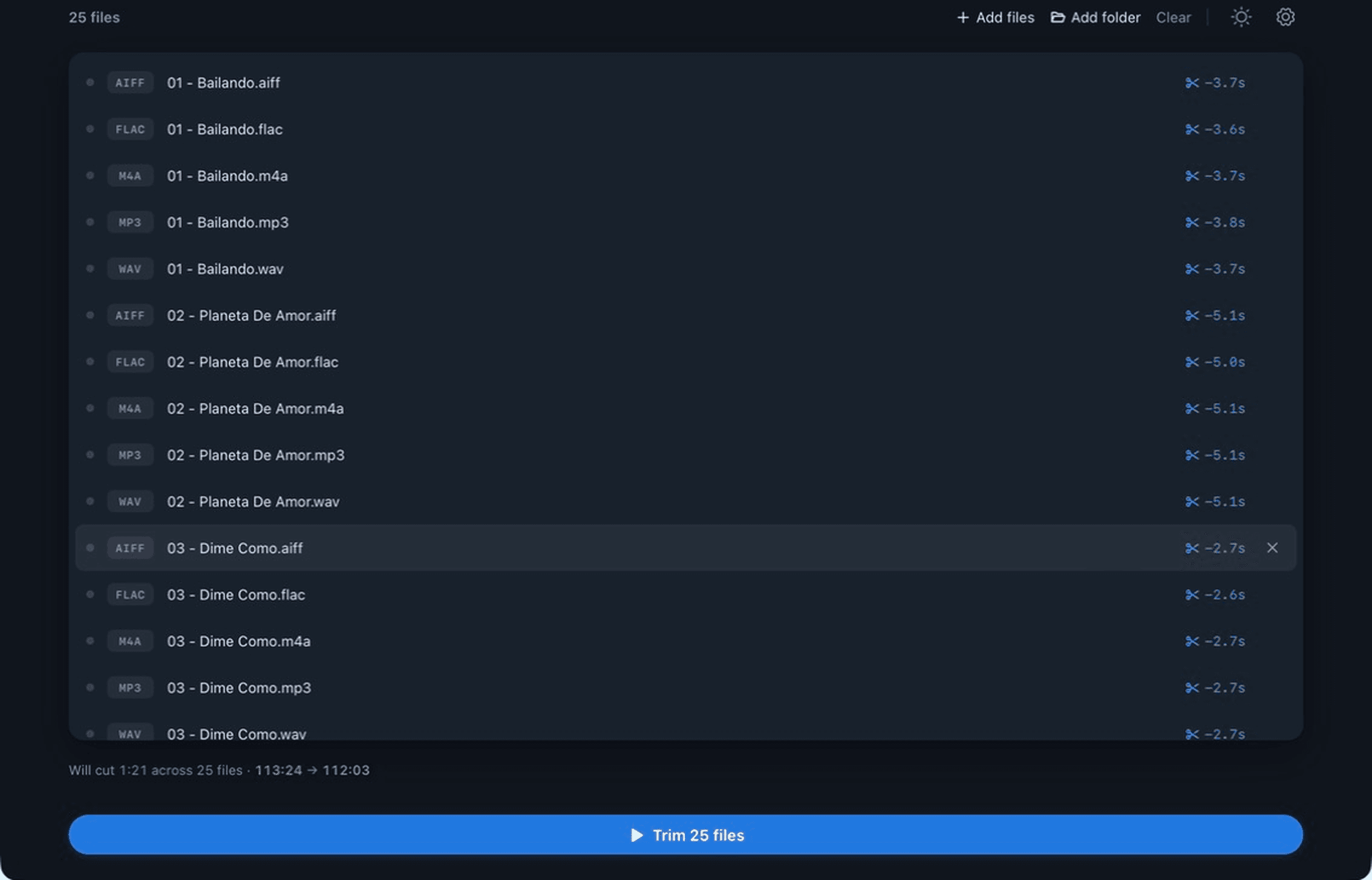
The queue updates in place, so a large run is easy to follow without opening a second view.
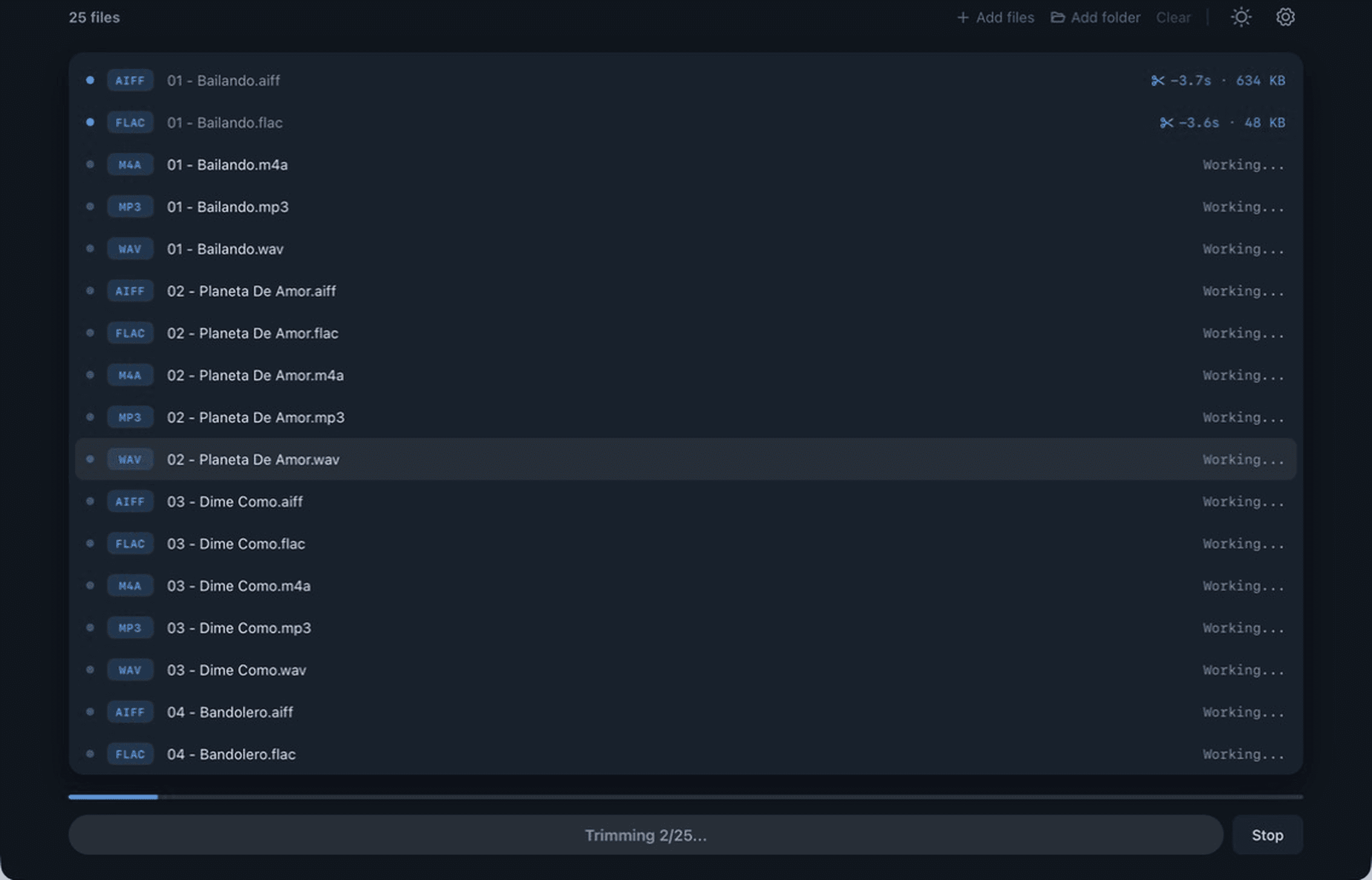
Saved sizes, resolved cuts, and completion status remain in the same list you started with.
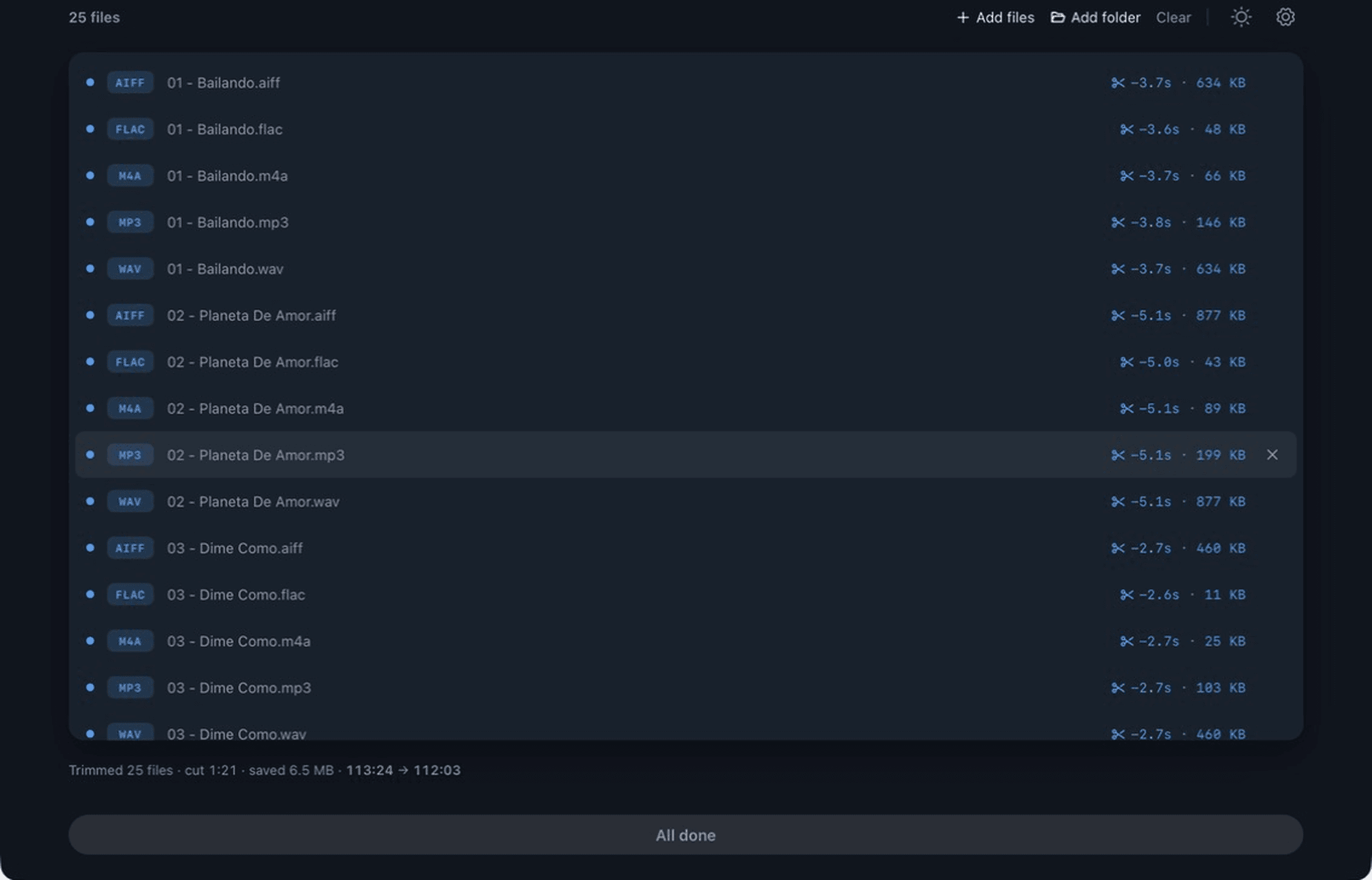
Format-aware controls stay out of the queue until you need them.
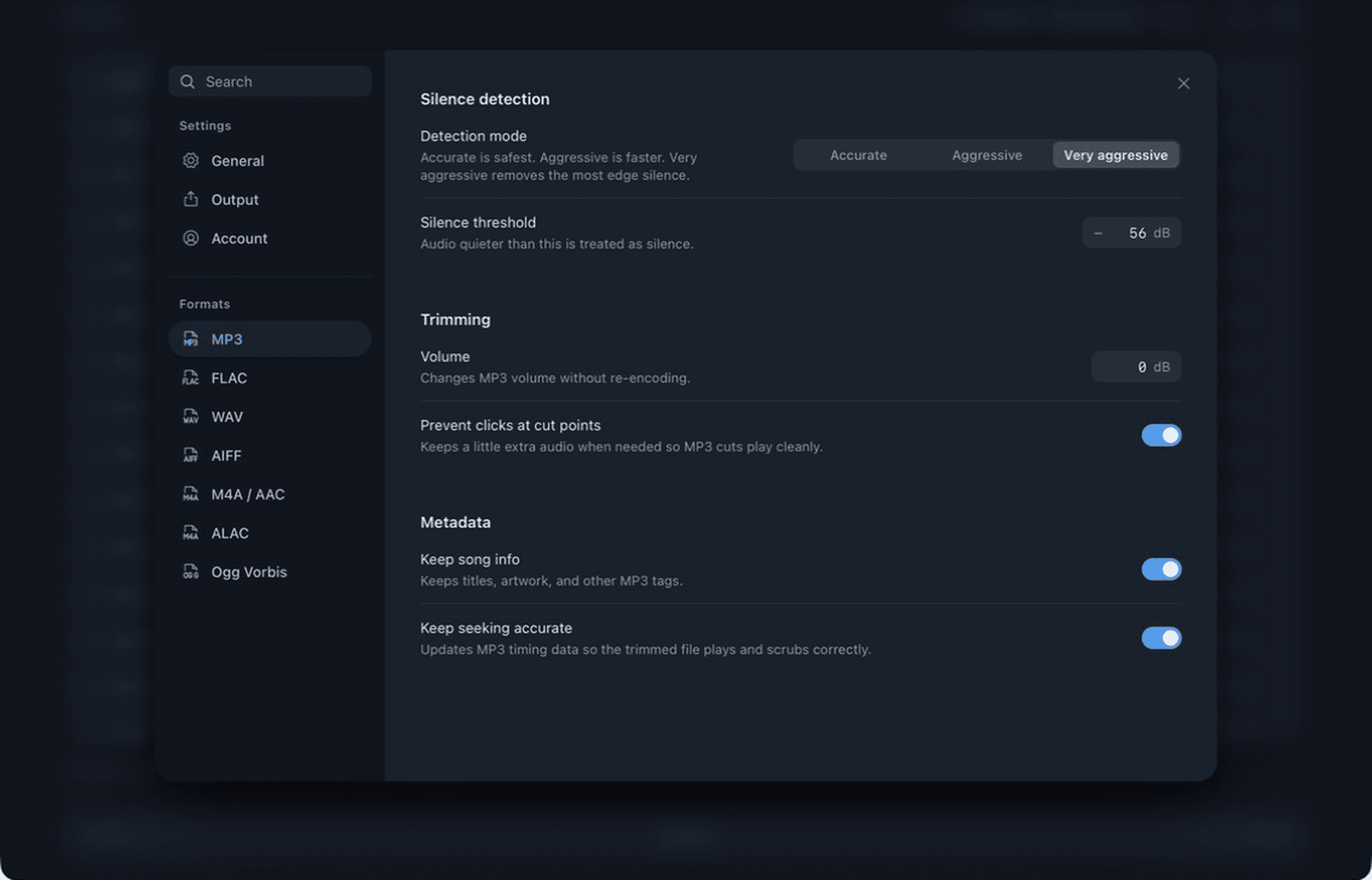
MP3 keeps its own lossless trim and metadata controls.
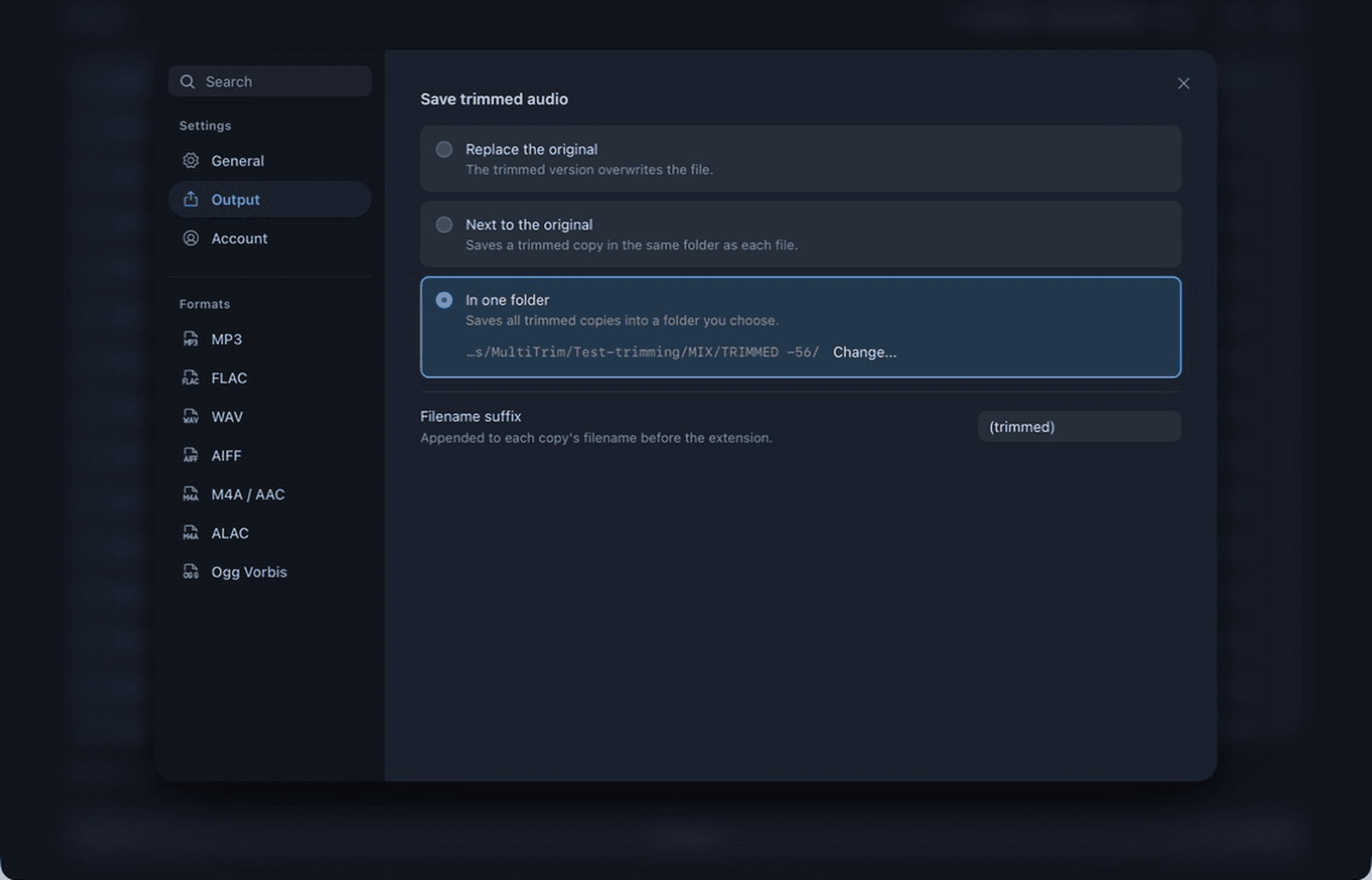
Replace, save alongside, or route every result to one folder.
Features and prices as listed on each vendor's site, July 2026. The MultiTrim column is the Pro version. All product names belong to their owners.
Try the free version first. Upgrade when you’re ready to batch the whole library.
No card. No trial timer.
Get the free buildOne-time.
Get ProOne-time. For studios and teams. Licenses issued directly.
Contact usLabel or volume licensing? Talk to us.
Still wondering about something else? Email us.
Free covers MP3, M4A/AAC and WAV. Pro adds FLAC, WAV/RF64, AIFF/AIFC, AAC, M4A AAC/ALAC and Ogg Vorbis. Cuts land on whole frame, packet, page or sample boundaries, so every part of the file you didn't trim comes out bit-for-bit identical.
RMS energy over a sliding window. You set the threshold in dBFS and the minimum continuous duration. Anything below threshold for at least that long, at the head or tail of the file, gets cut. Quiet musical passages between are left alone.
Yes. MultiTrim trims MP3 files by copying whole MPEG frames instead of decoding and exporting a new file. That keeps the kept audio payload intact and avoids generation loss.
Yes, if you want the mpTrim-style job of stripping MP3 silence without re-encoding, but also need batch processing and support for FLAC, WAV, AIFF, AAC, ALAC and Ogg Vorbis.
No. MultiTrim currently focuses on silence detection, manual trim points and lossless audio trimming. It does not currently add fades or normalize volume.
No. Originals are never touched. Trimmed copies are written to your chosen output folder under your chosen naming pattern. Source files stay where they are.
That's the whole point. Pro queues as many files as you throw at it, runs them in parallel across your cores, and shows live progress for each one. Pause, resume or skip without losing your place.
Grab the head and tail markers and set them yourself. Wherever you drop them, MultiTrim snaps to a clean codec boundary before writing, so the cut never clicks.
Your audio is trimmed entirely on your own machine and never gets uploaded. You sign in on the dashboard to grab the app and manage Pro, but the files stay with you.
Free handles one file at a time in MP3, M4A/AAC and WAV. Pro drops the limits: unlimited batches and every supported format.
Desktop, on macOS, Windows and Linux. The dashboard spots what you're on and serves the right build.
We write when a version ships, and sometimes to ask what you need before we build it. One click unsubscribes you.